All features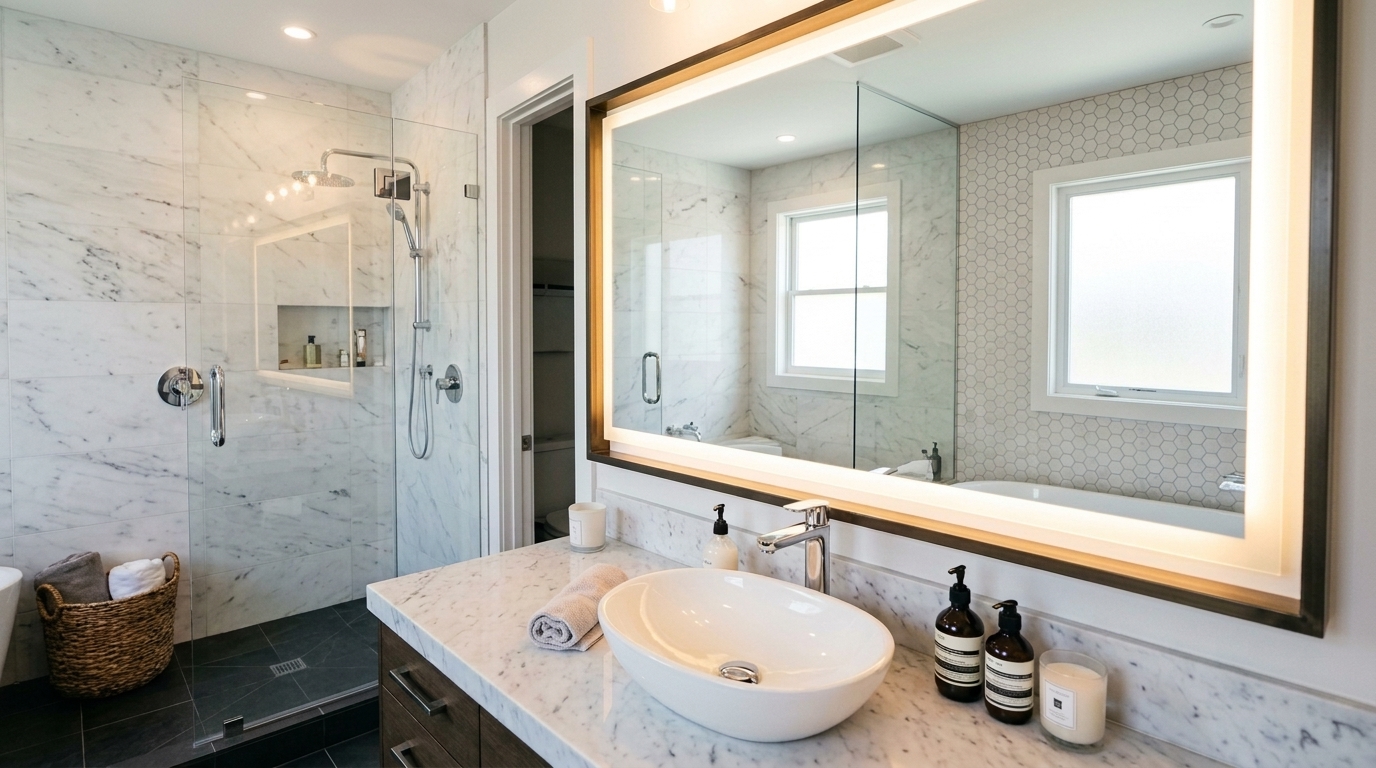
Batch Processing
When you have 20, 50, or 100+ photos from a single listing, editing them one by one is not practical. Our batch processing lets you upload an entire shoot at once and apply the same editing profile across all images. The AI ensures consistent exposure, color grading, and style across every photo -- giving your listing a cohesive, professional look in minutes instead of hours.
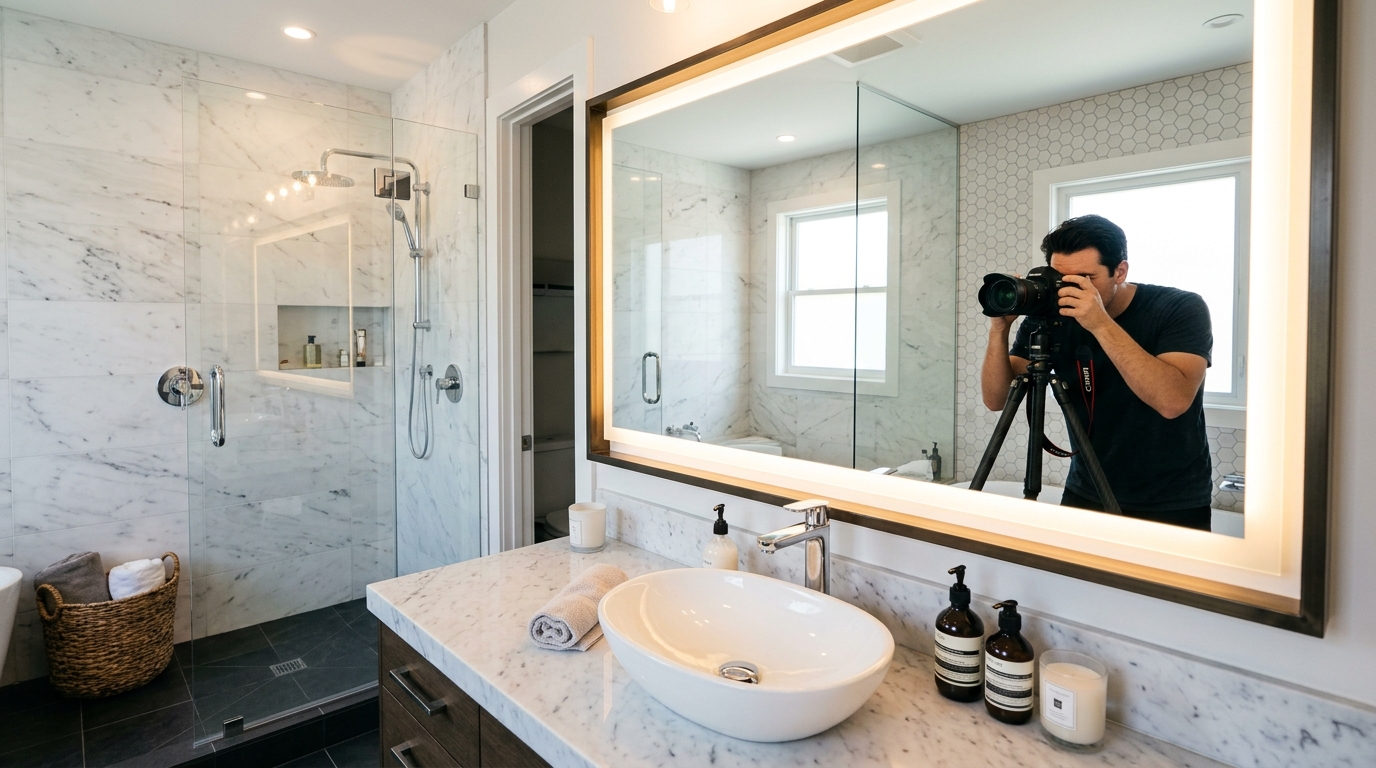
See It in Action
Before
After
How It Works
1
Upload All Photos
Drag and drop your entire shoot. Our system accepts up to 100 images per batch.
2
Choose Edit Profile
Select the editing style and adjustments. The AI applies them consistently across every photo.
3
Download All
Download the full set of edited photos as a ZIP. Every image is consistent and listing-ready.
Why Use Batch Processing
Edit an entire listing in minutes instead of hours
Consistent color, exposure, and style across all images
Upload and process up to 100 photos at once
Perfect for high-volume photographers and teams
Try Batch Processing Now
Upload a property photo and see AI-powered results in under 60 seconds. No credit card required.
Get Started Free